
⚙️
Own infrastructure
White VPN is deployed and maintained on infrastructure managed by the service.
Own infrastructure, stable connection and modern access technologies. Connect through Telegram in just a few minutes — no website registration required.
We focus on what actually matters: stable service, straightforward setup and convenient payment options.
White VPN is deployed and maintained on infrastructure managed by the service.
The connection is designed for everyday browsing, video, messaging and familiar online services.
A VPN creates a protected tunnel between your device and a White VPN server.
Our main focus is users in Russia, while the service can also be used in other countries.
Check connection quality on your own device and network before deciding whether to purchase.
Start, purchase and manage your subscription in the official White VPN service bot.
Connect White VPN on popular devices and operating systems.

PCs and laptops

MacBook and Mac

Phones and tablets

iOS and iPadOS

Linux computers

TV boxes and smart TVs

Connection through compatible routers
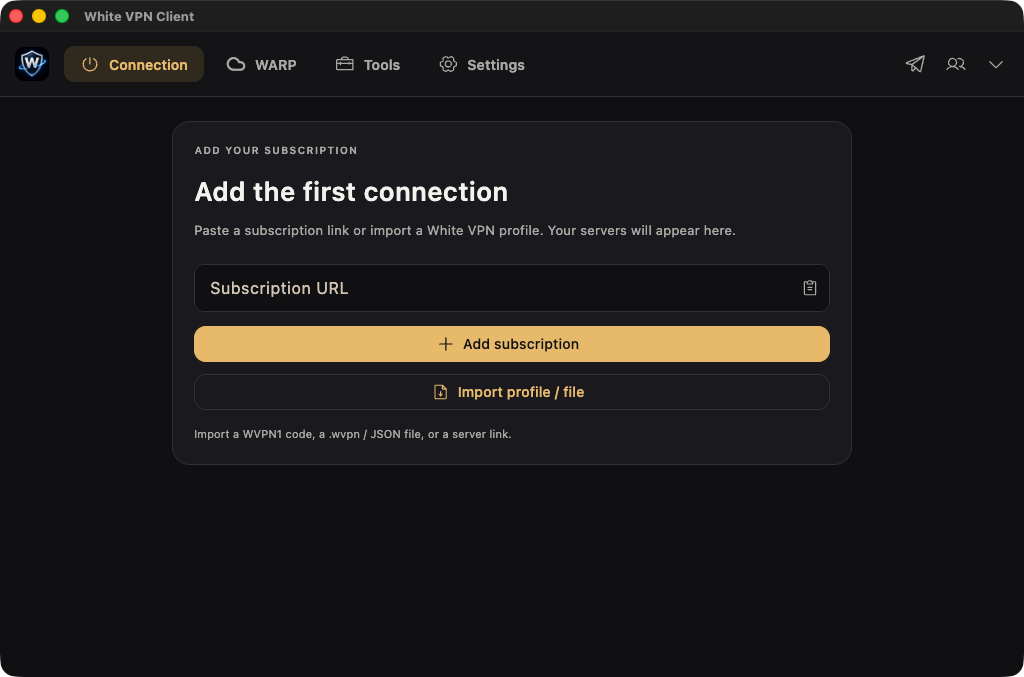
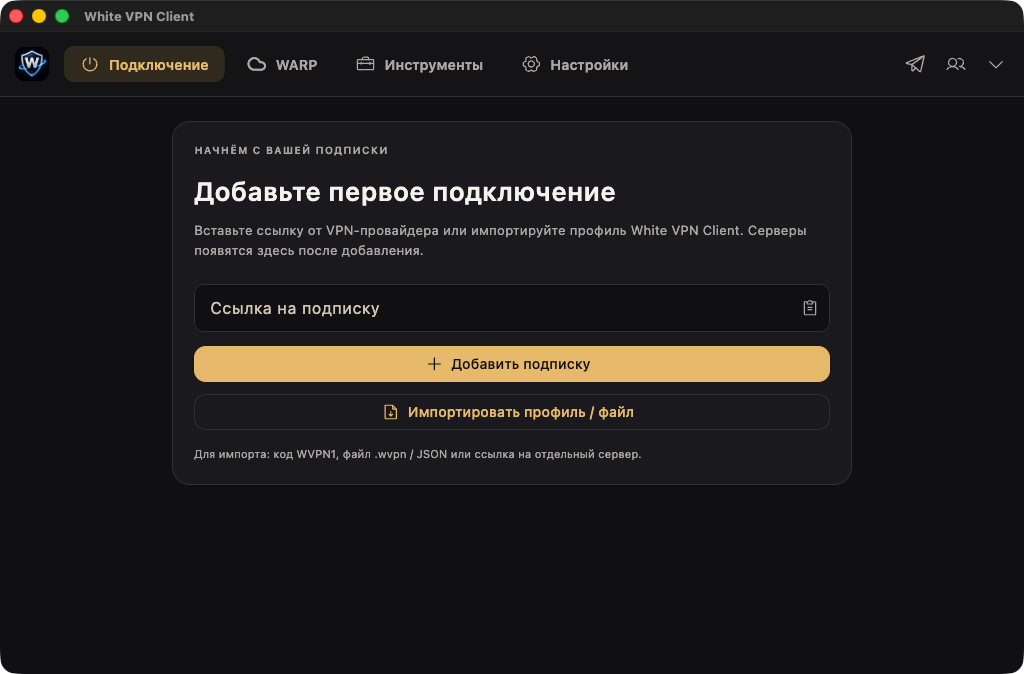
The first preview is for Apple Silicon Macs running macOS 13 or later. English is the default, and you can switch to Russian in Settings.
Open the DMG and drag WhiteVPN into Applications. Launch the app, add your subscription link, and select a server. macOS may ask you to approve the app on first launch.
White VPN Client uses the macOS system proxy. It covers browsers and other apps that respect the system proxy settings.
The download is also available on your subscription page under White VPN Client for your platform.
The first stable Android release requires Android 8.0 or later. One APK supports ARM32, ARM64, and x86‑64 devices.
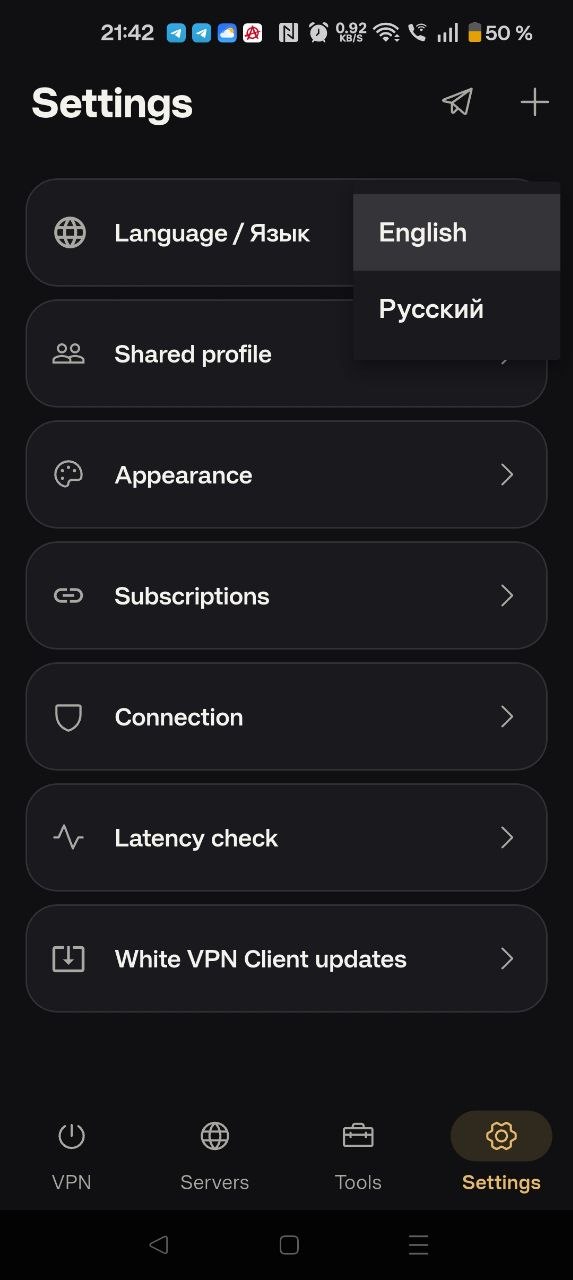
The interface is available in English and Russian. English is the default. To switch, open Settings → Language / Язык and select Русский.
Download and install the APK. Open the app, tap +, and paste your subscription link. Select a server, tap Connect, and approve the Android VPN prompt.
The download is also available on your subscription page under White VPN Client for your platform.
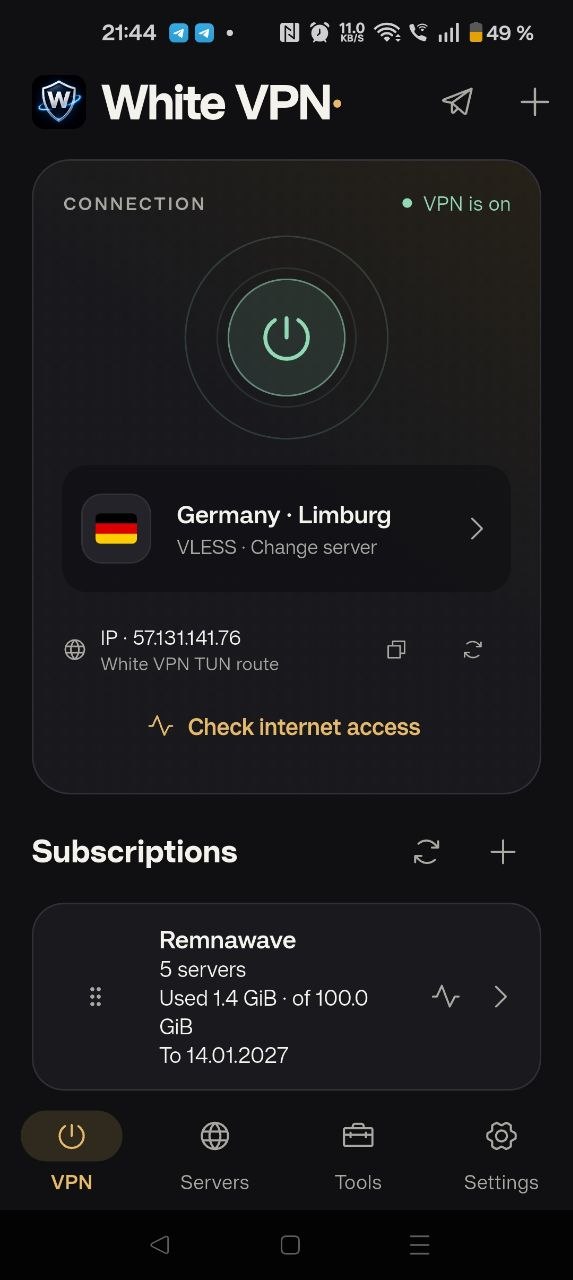
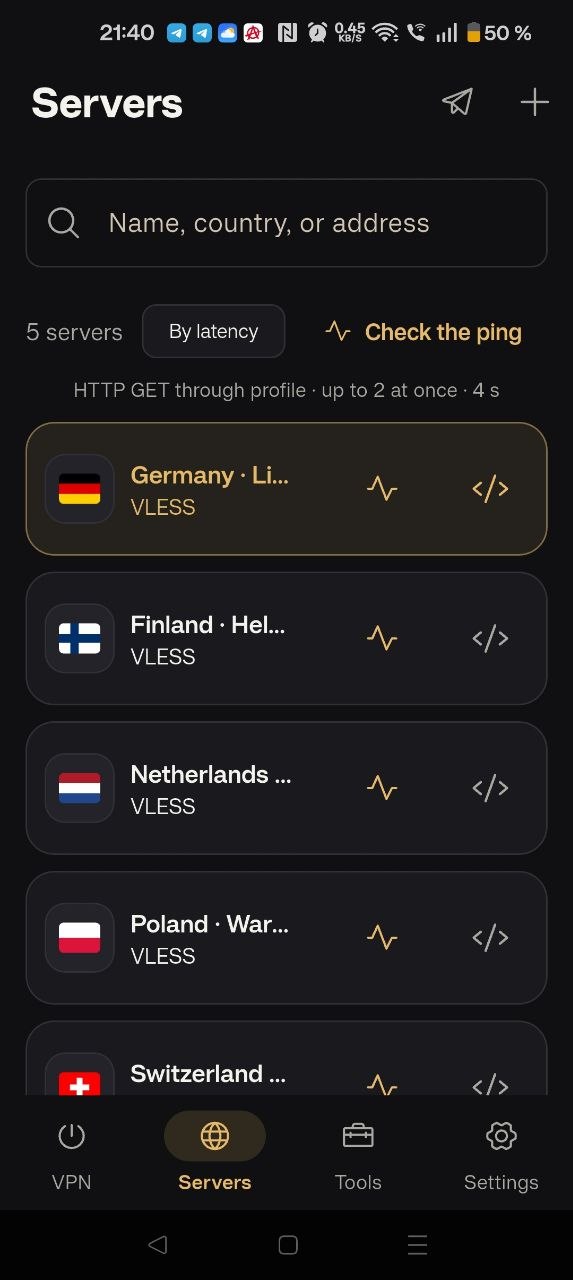
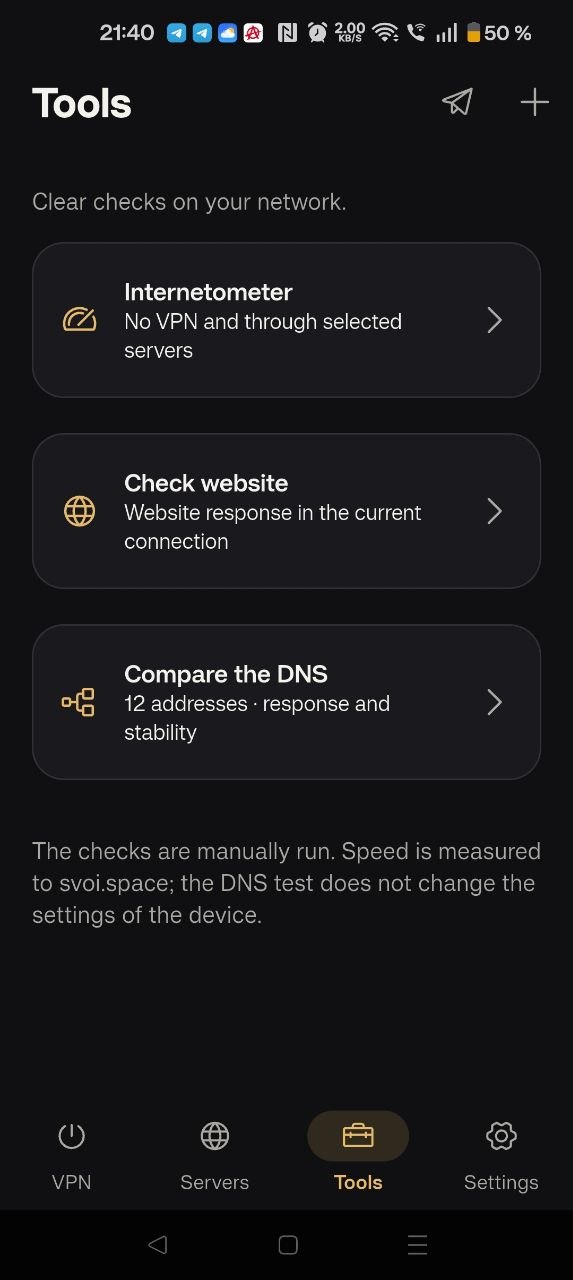
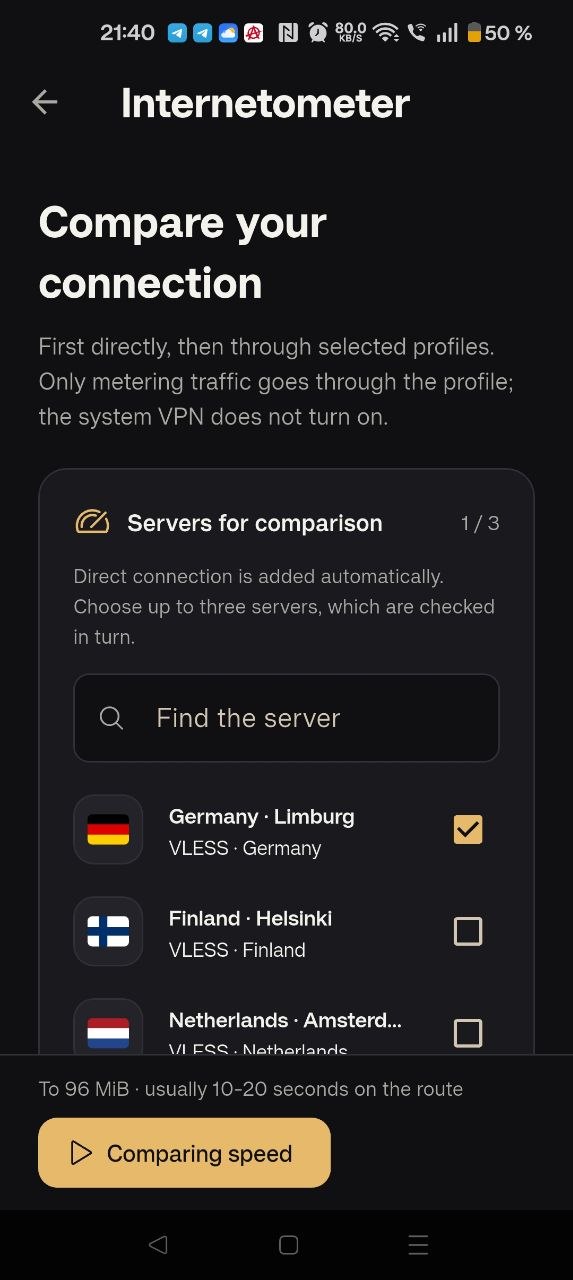
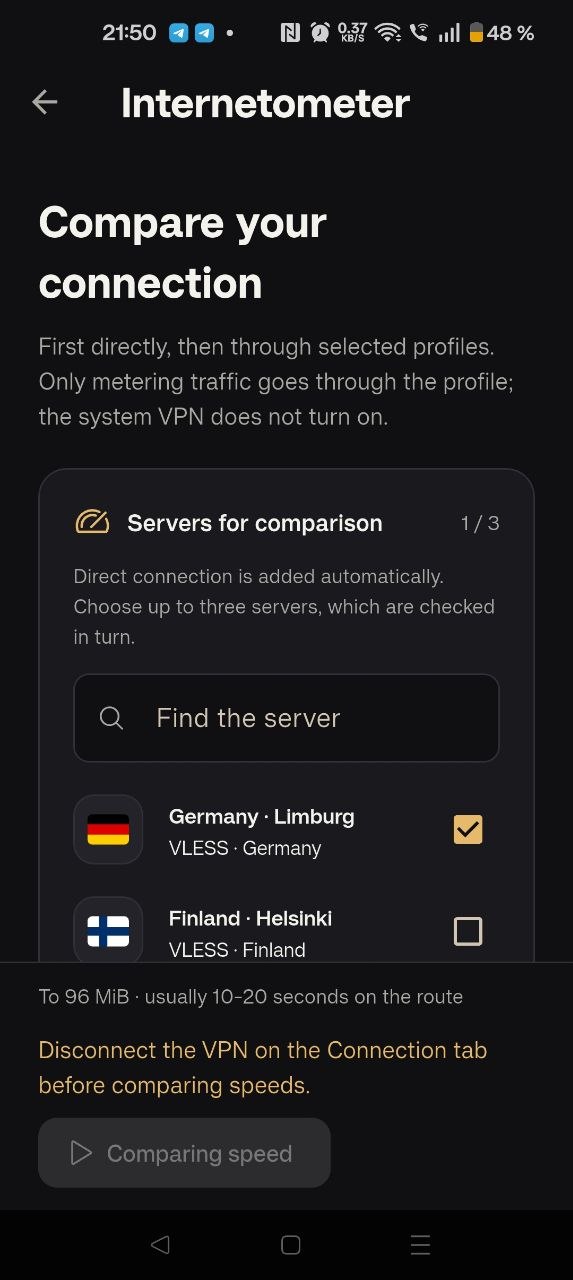
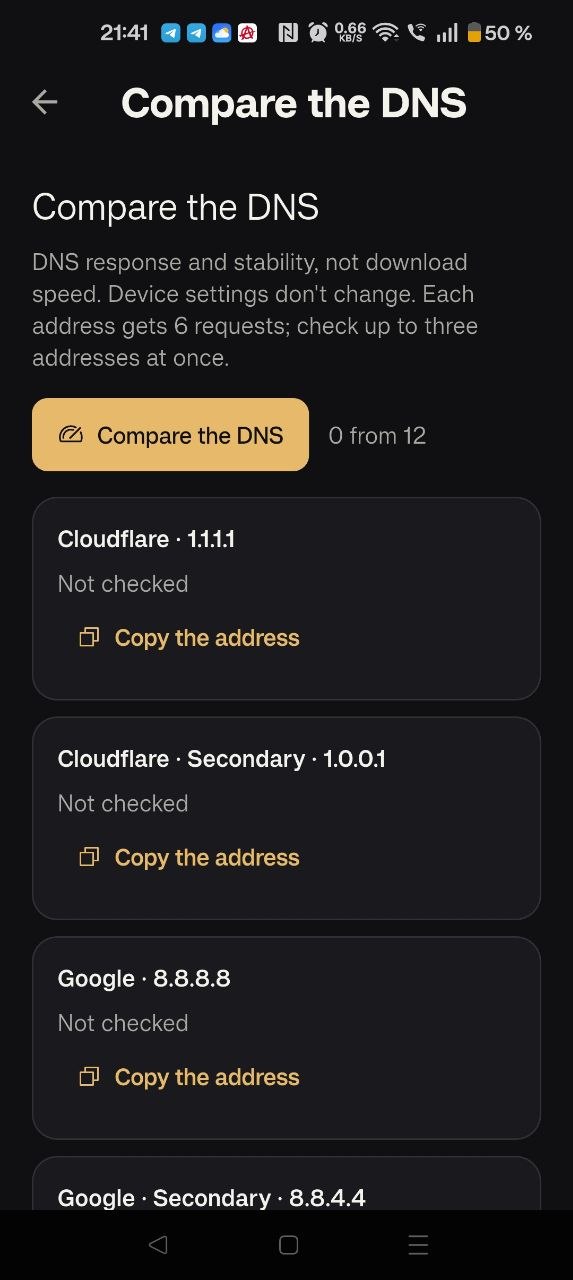
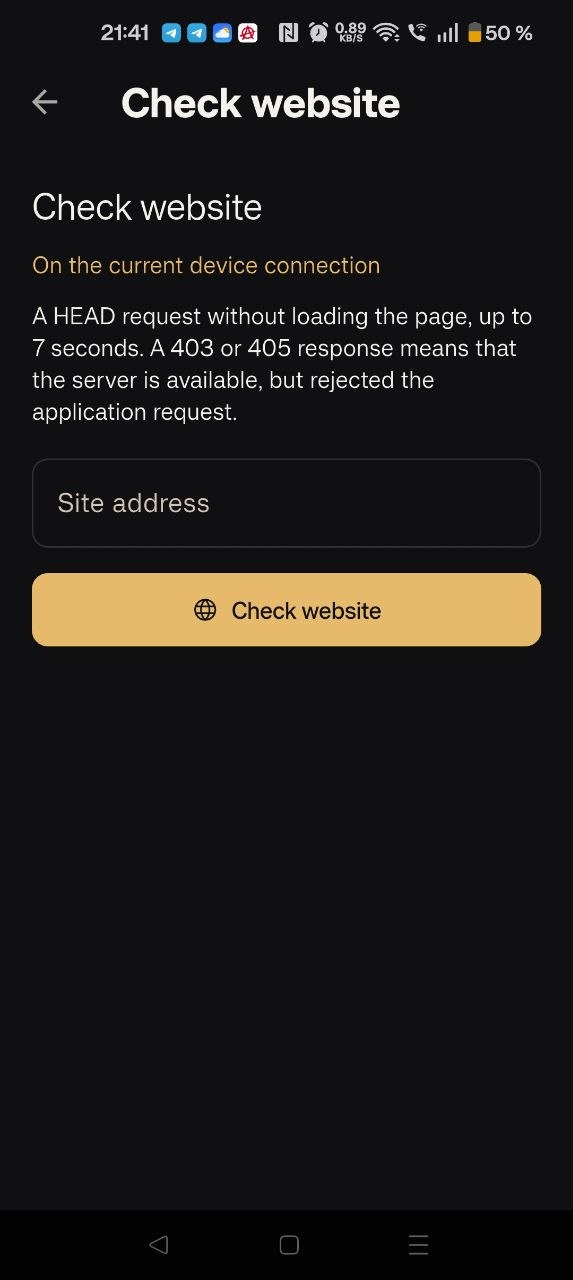
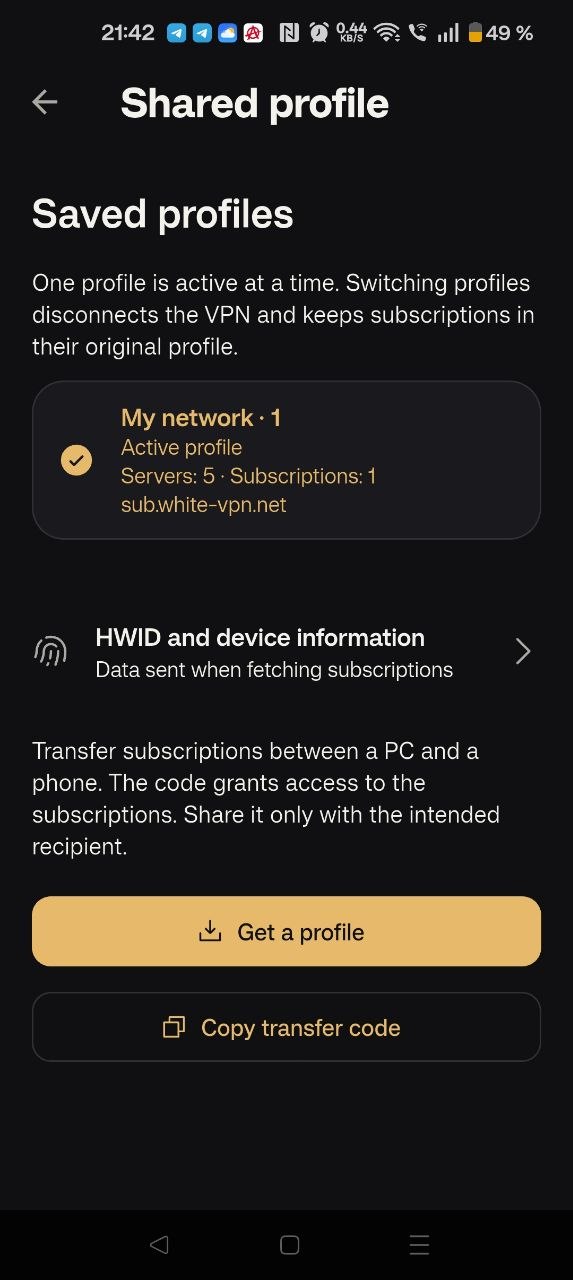
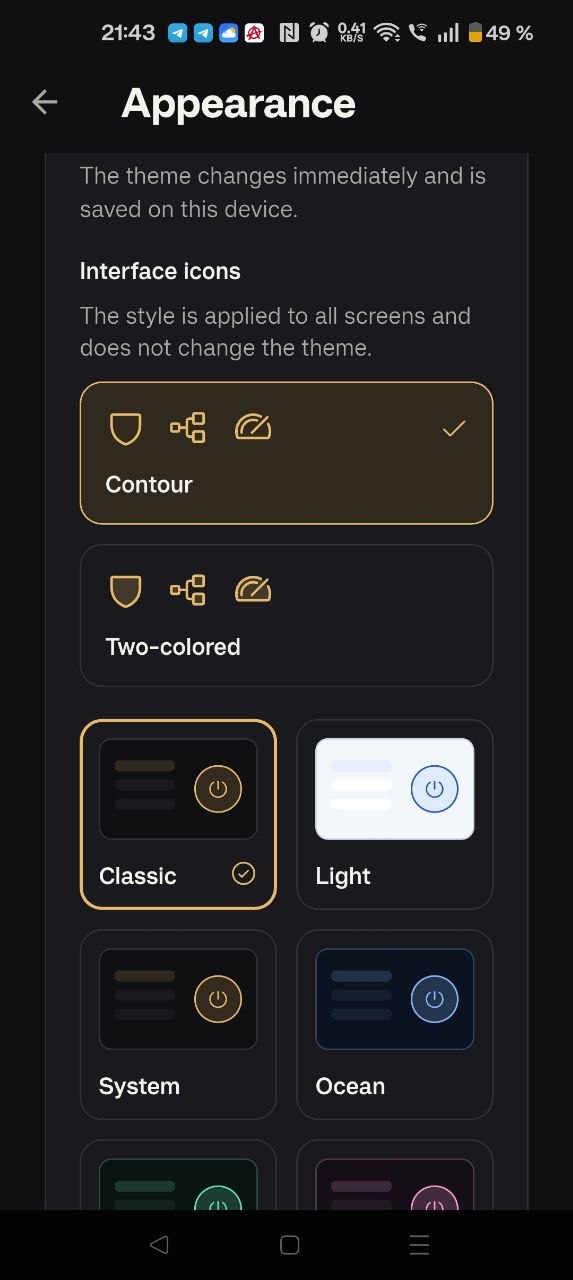
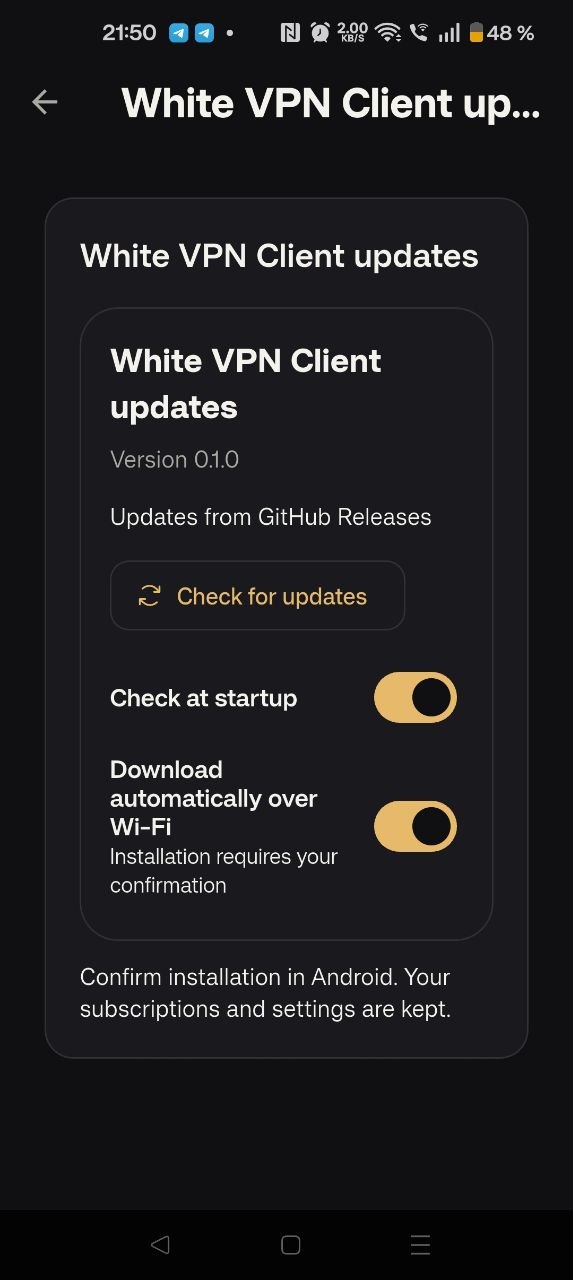
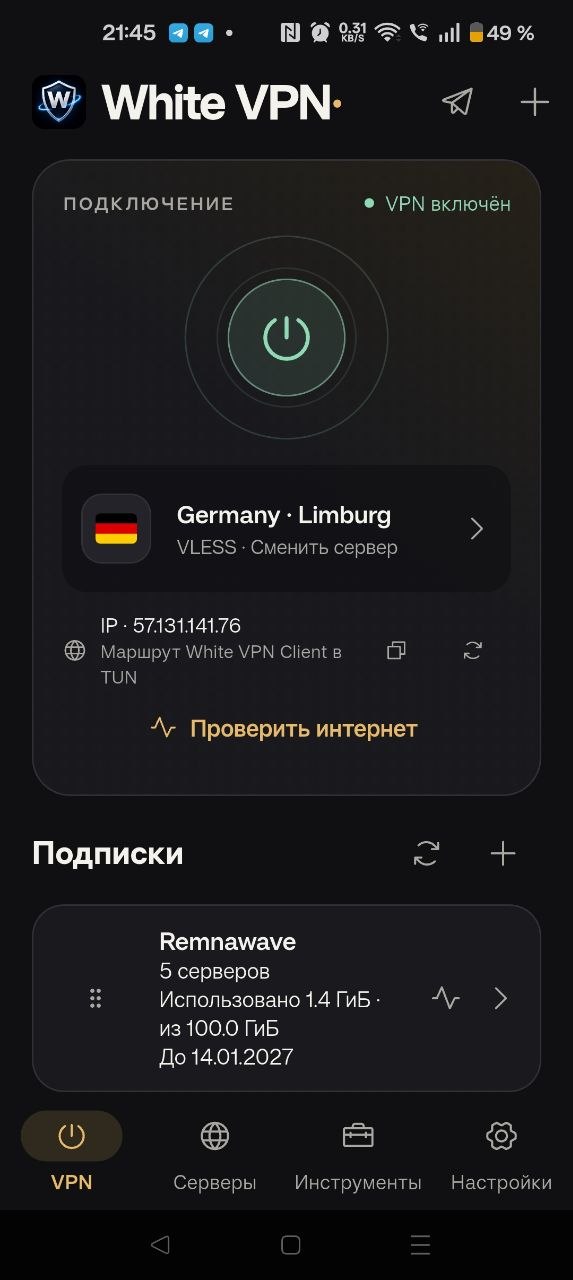
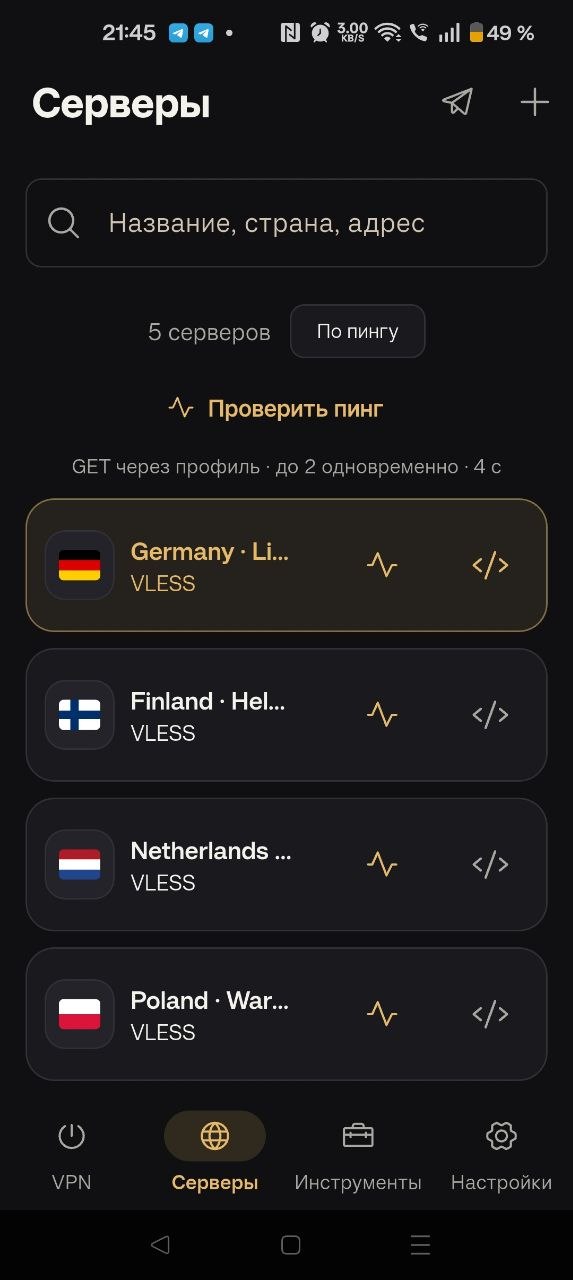
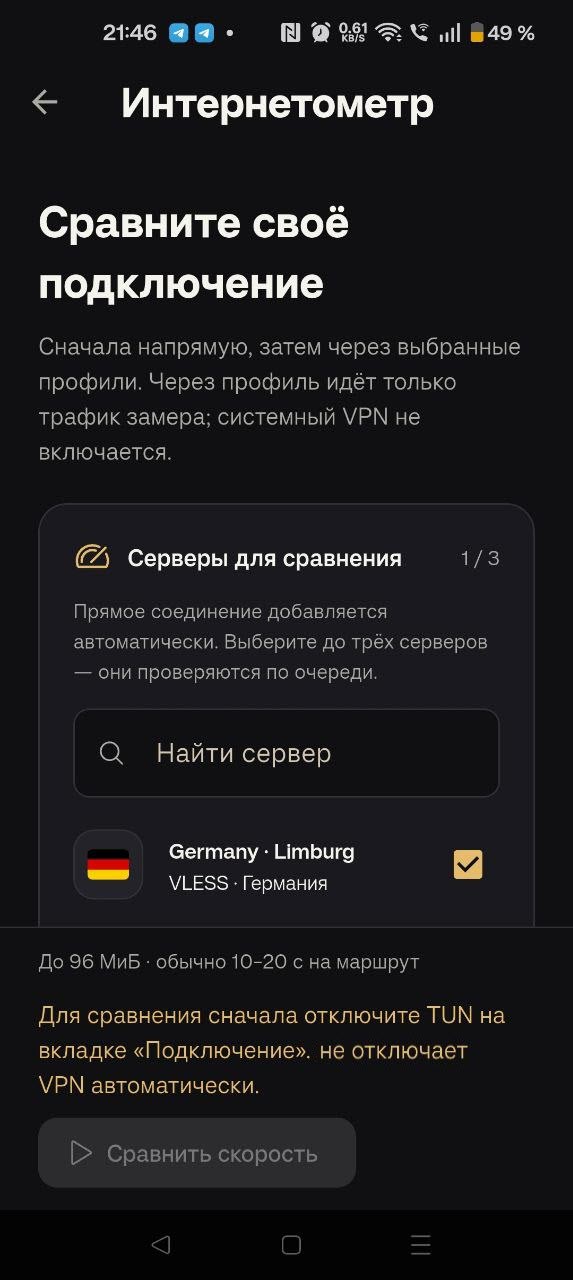
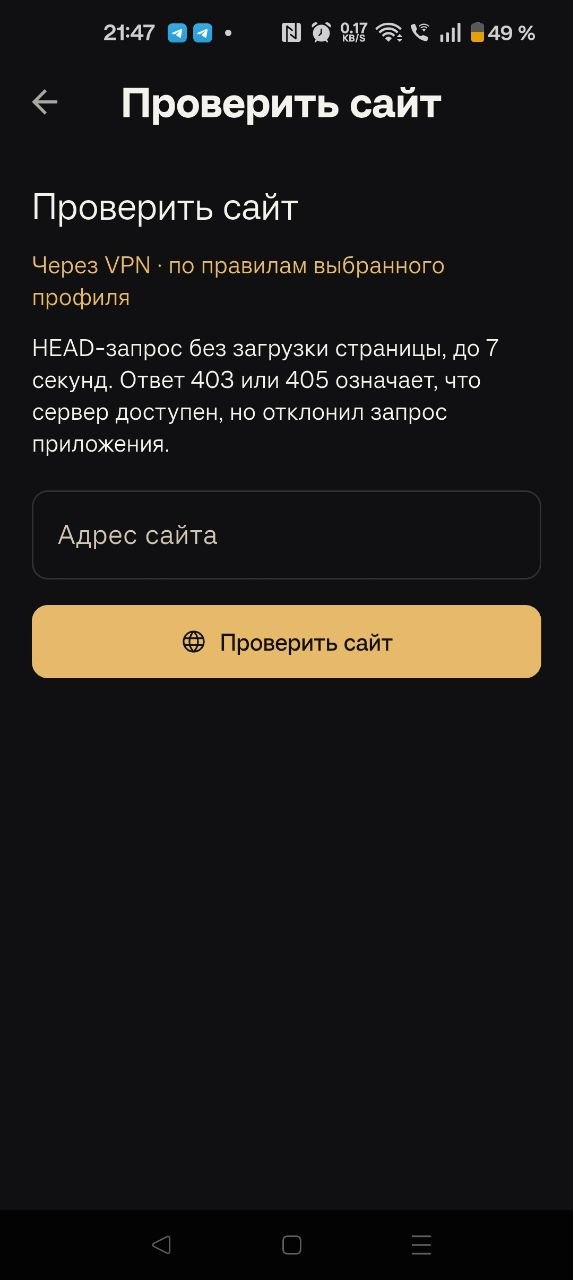
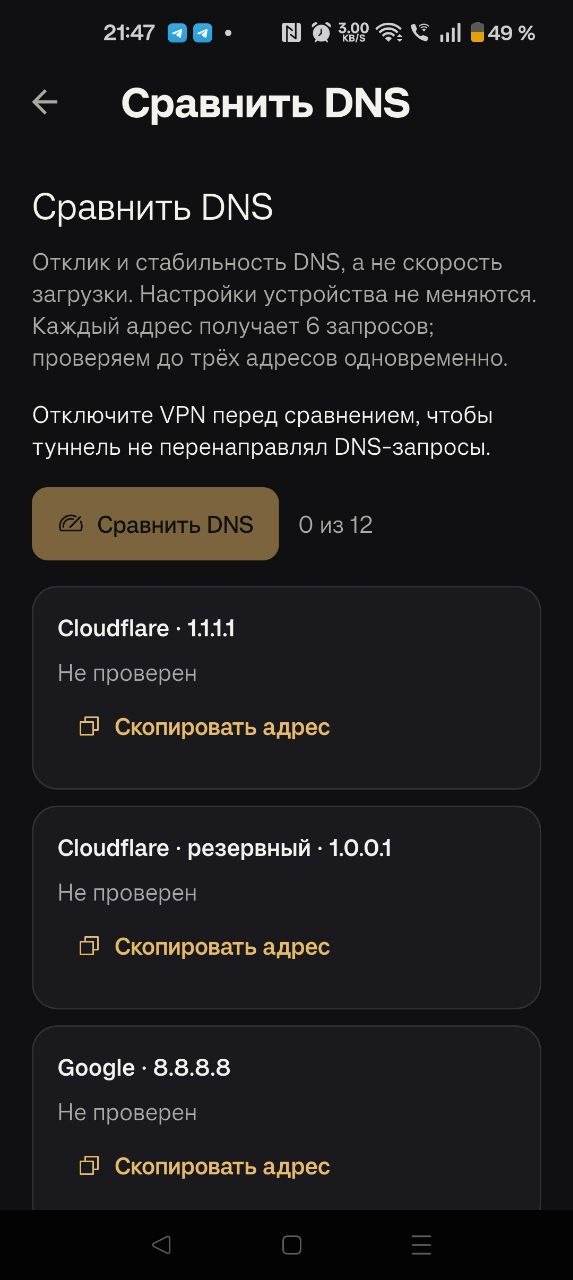
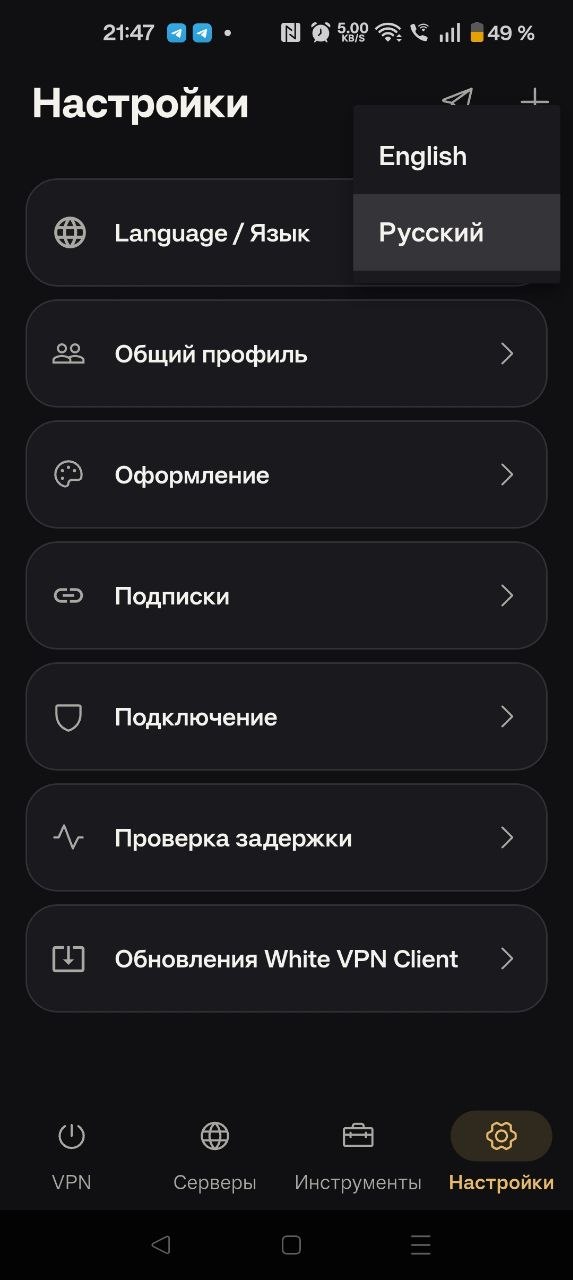
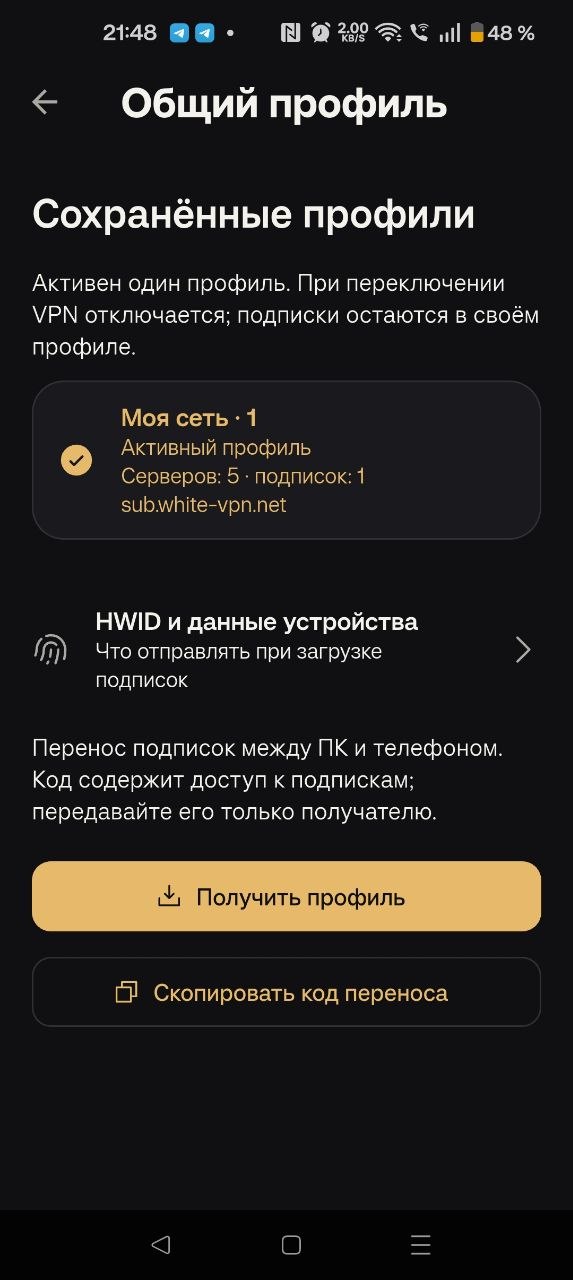
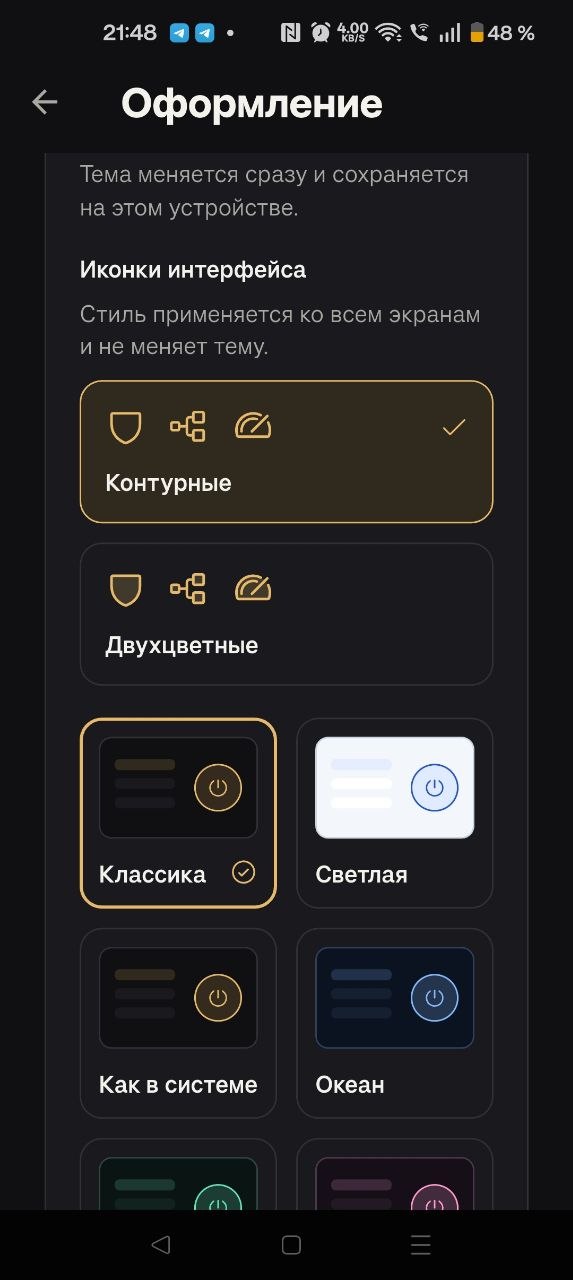
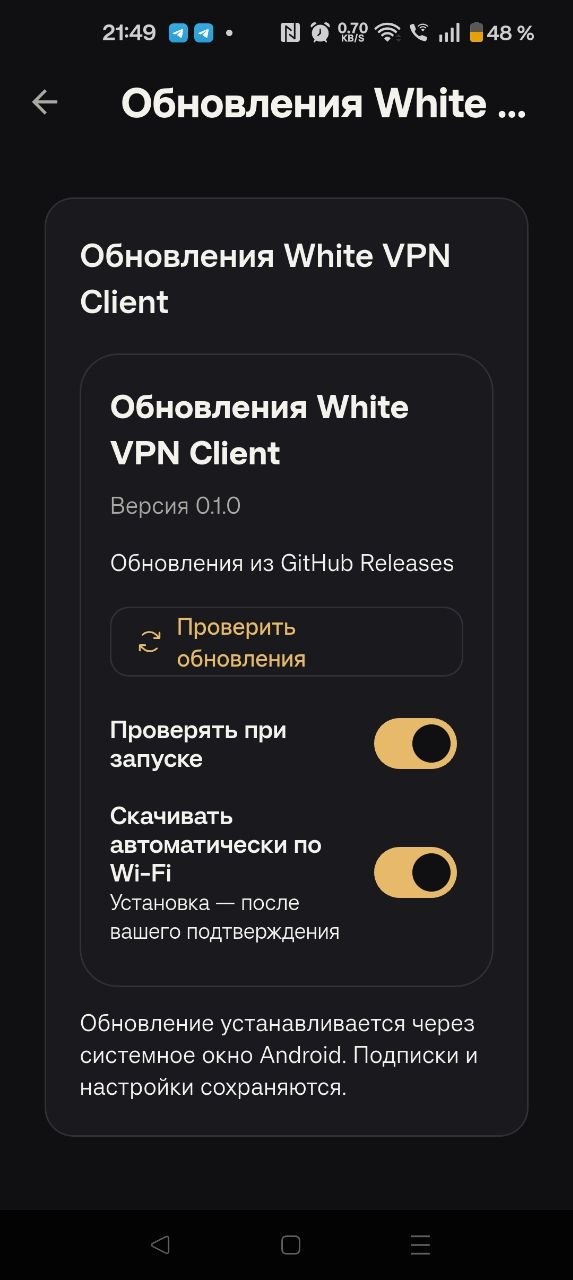
Version 0.7.1-rc.5 is a preview release with an interface in English and Russian. English is selected by default.
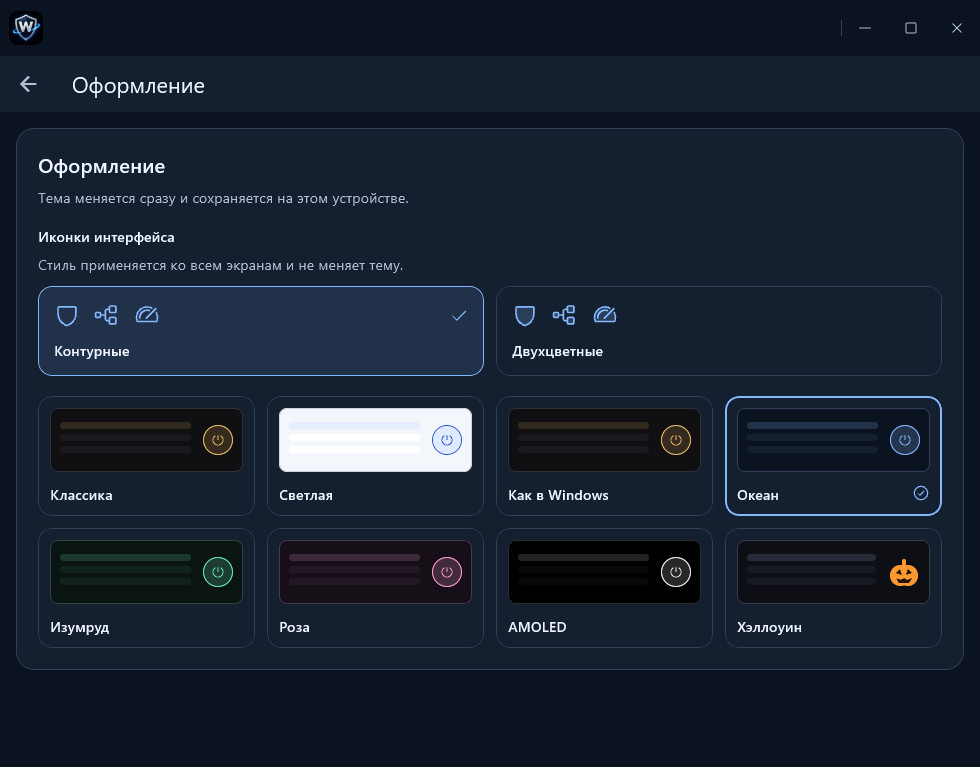
To switch to Russian, open Settings → Language / Язык and select «Русский». The change takes effect immediately without restarting the app.
An installer and a portable ZIP are available for Windows 10 and 11 (x64).
Download on GitHub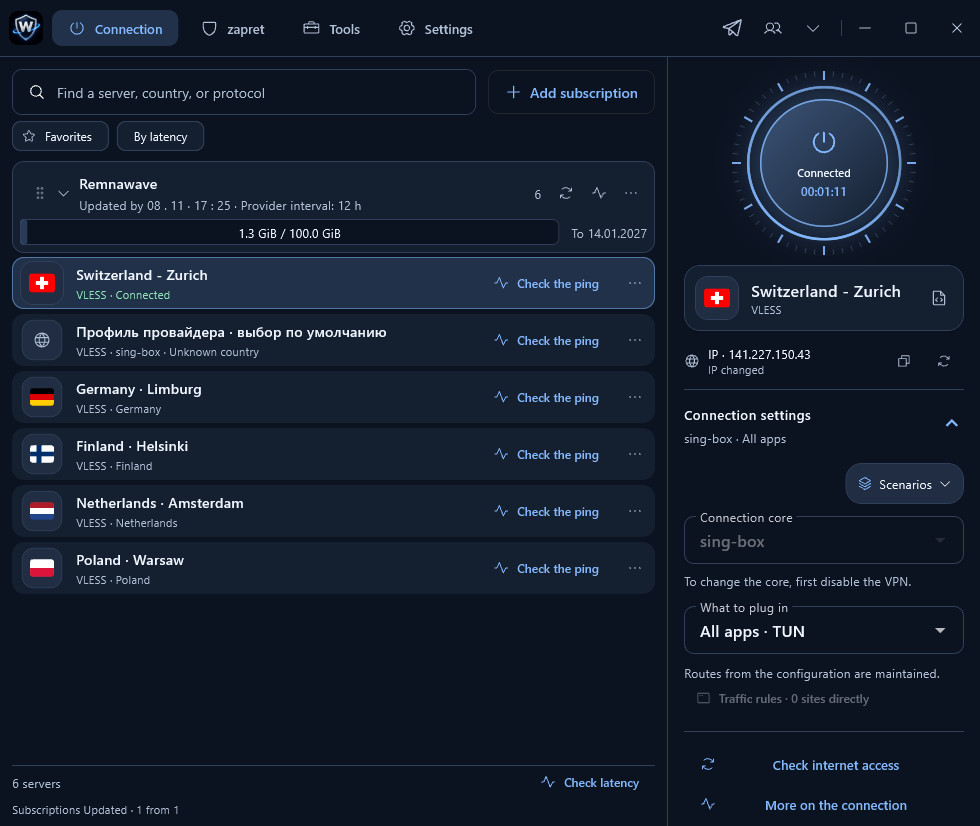
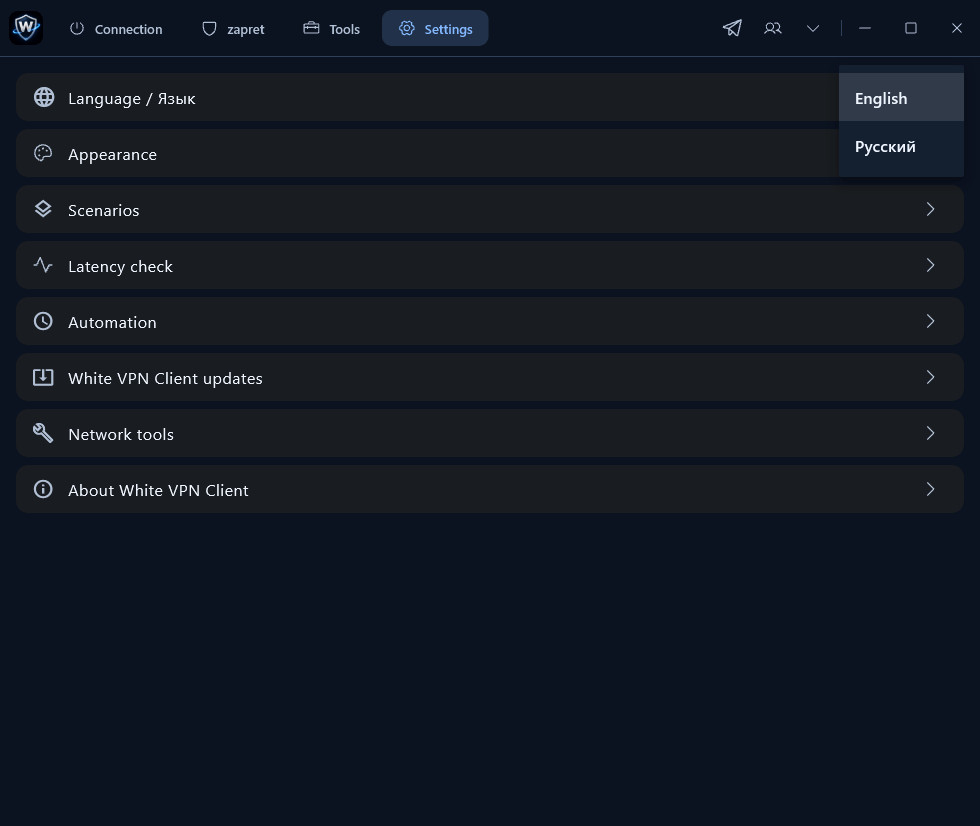
Preview version v0.7.1-rc.4 is available for Windows 10 and 11 (x64). GitHub offers an installer and a portable version.
Add a VPN subscription, choose a server and connect. You can check latency and save your favorite servers in the app.
Download for Windows on GitHub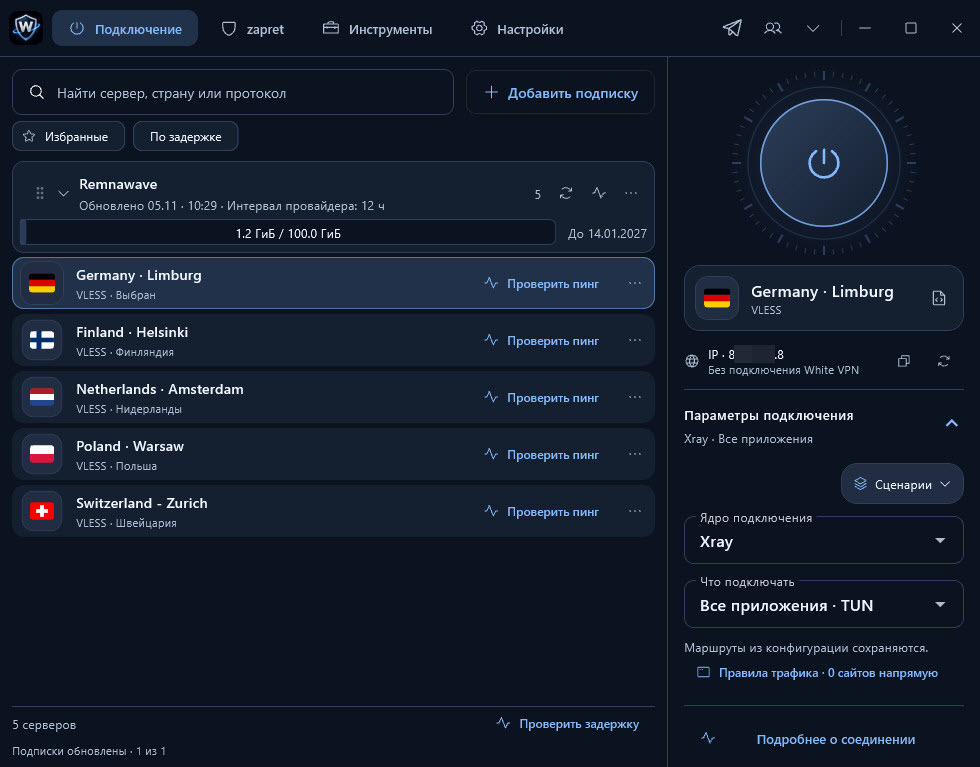
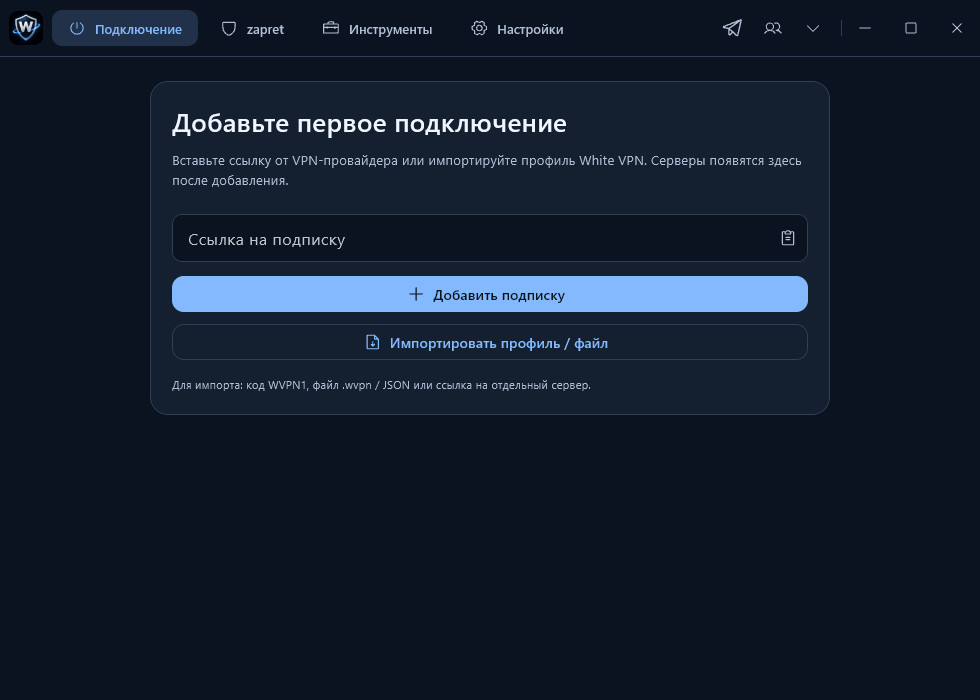
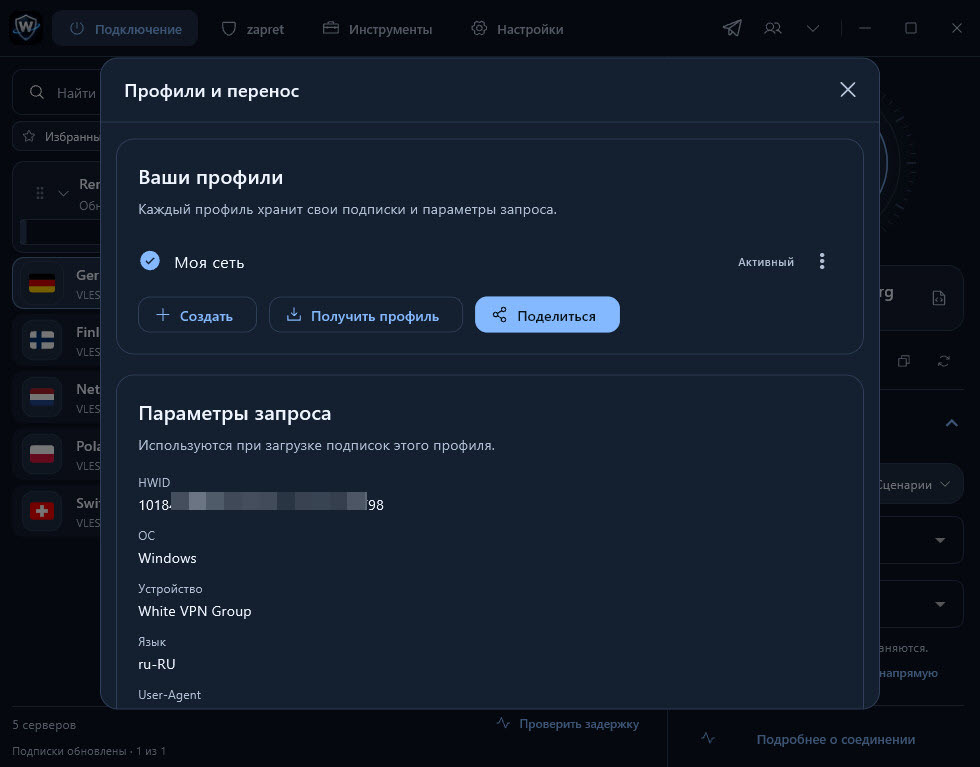
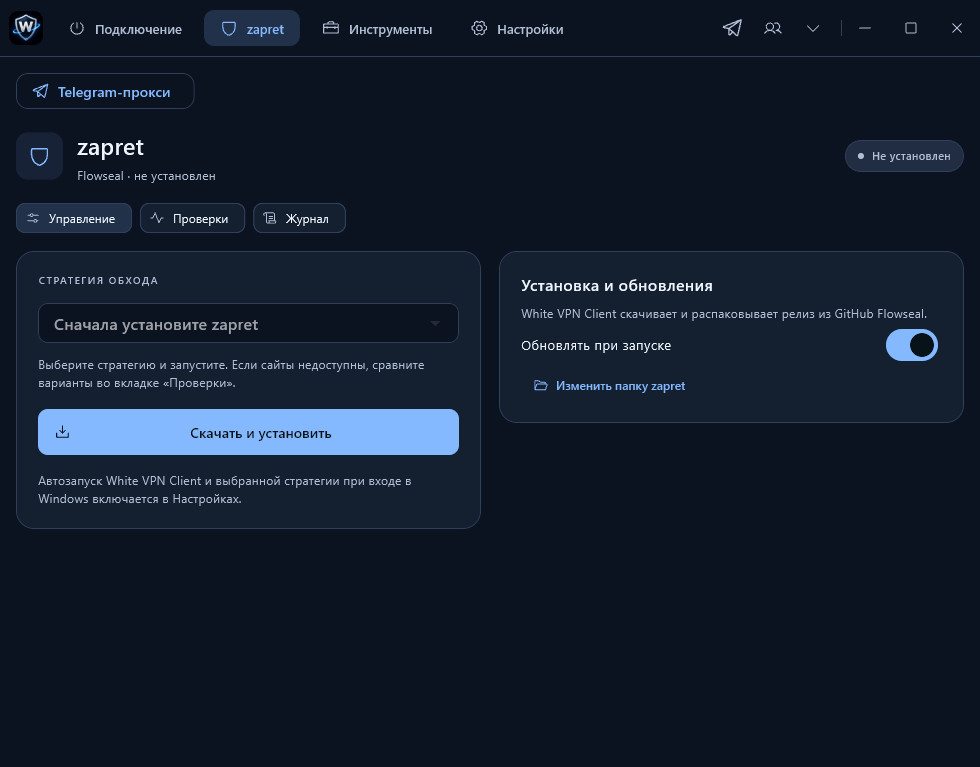
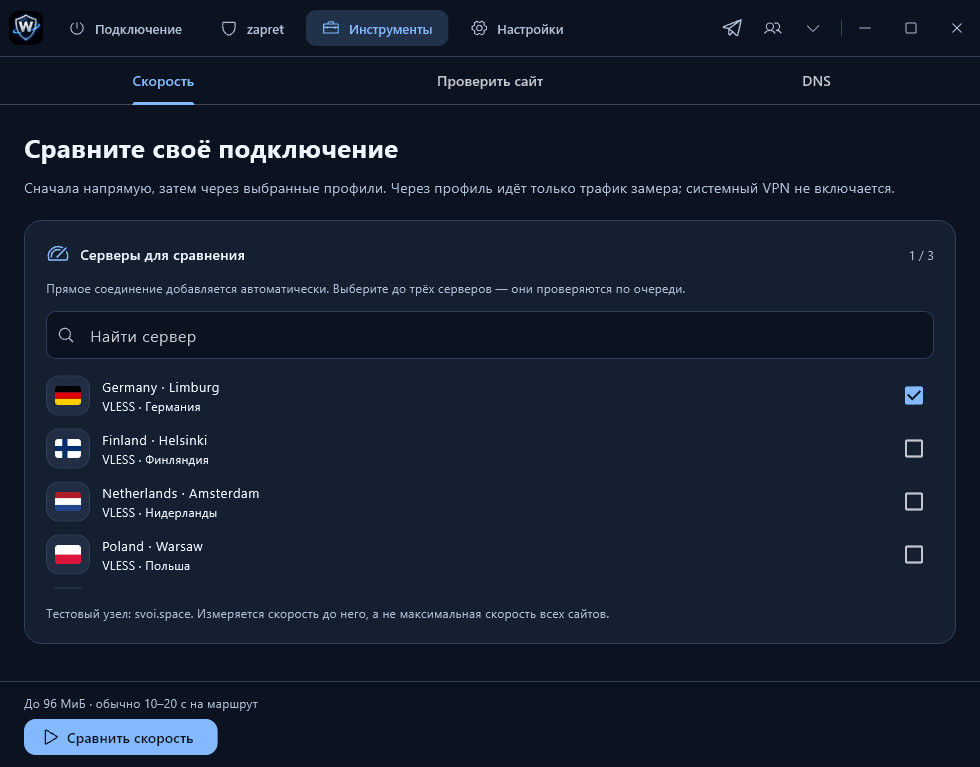
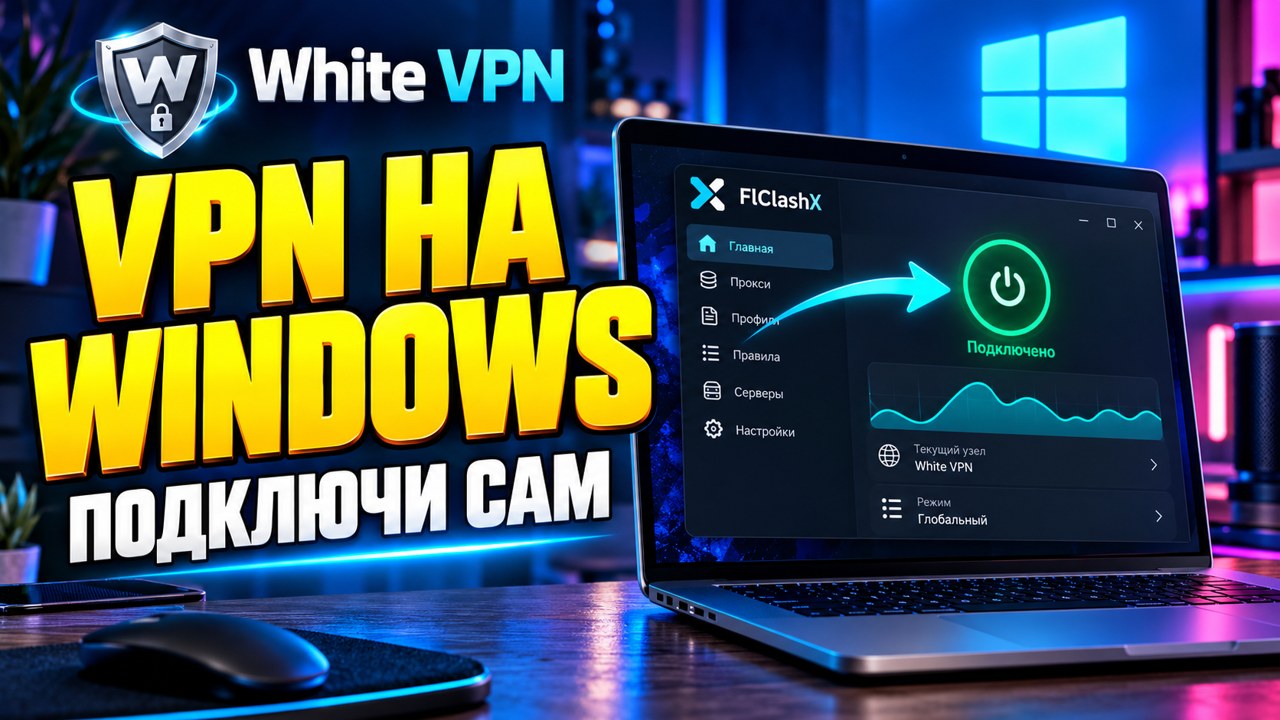
Our new video walks you through opening the Telegram bot, activating a trial, installing FlClashX, importing a subscription and choosing a server on Windows. Learn how to check your IP address and traffic after connecting.
The demonstration uses an already active profile.
Watch on YouTube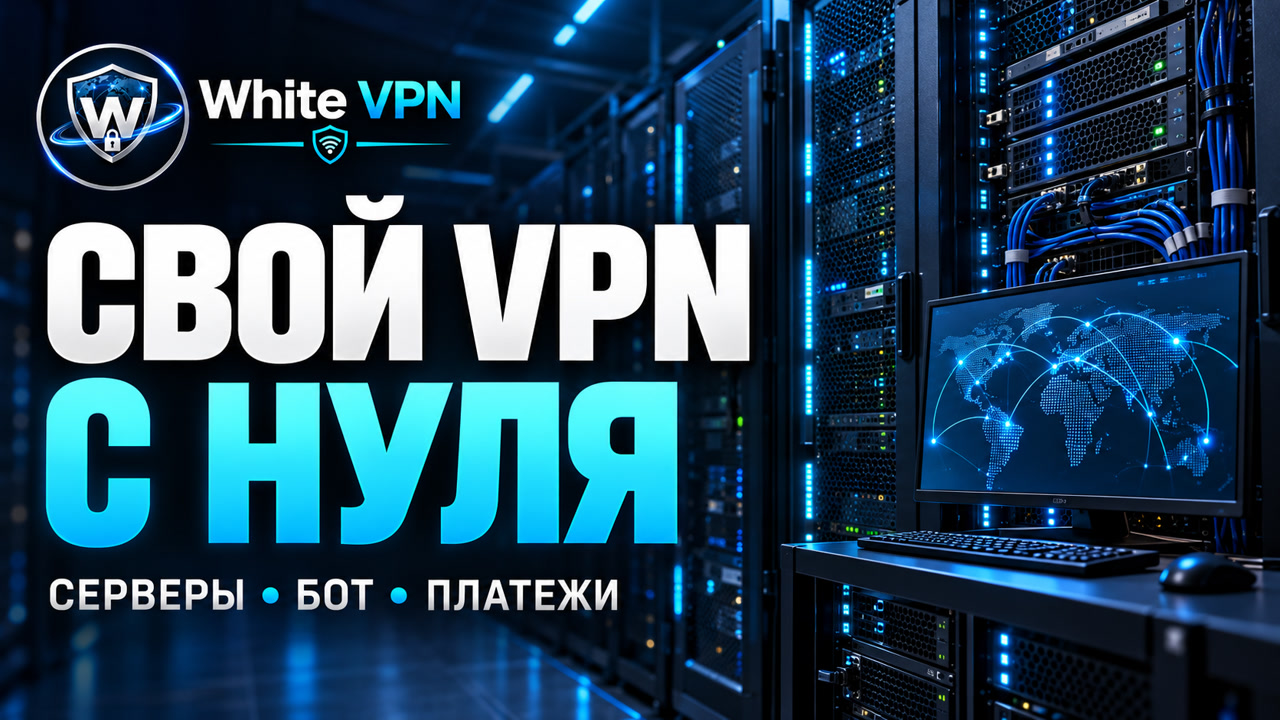
From renting servers and choosing a panel to a Telegram bot, subscriptions and automated payment processing. See the real interfaces and how to connect using an app.
Watch on YouTubeOpen the official White VPN service bot and send /start.
Start the free trial period and test the VPN on your network and device.
If the service works for you, select the subscription option you need in the bot.
Use Telegram Stars in the bot. For bank cards and SBP, open the external Tribute storefront. The payment guide explains product selection, checkout and email activation.
Current subscription options and terms are always available in the Telegram bot.
Use Telegram Stars in the bot. For bank cards and SBP, open the external Tribute storefront. The payment guide explains product selection, checkout and email activation.
Scan a QR code with your phone or open the relevant link directly in Telegram.
Connection, free trial, purchases and subscription management.
 Open bot
Service news, updates and important announcements.
 Open channel
Connection help, answers to questions and user discussions.
 Open community
Yes. New users can use a free trial period. Details and connection are available in the official White VPN Telegram bot.
Use Telegram Stars in the bot. For bank cards and SBP, open the external Tribute storefront. The payment guide explains product selection, checkout and email activation.
Step-by-step guideNo. Connection and subscription management are handled through the Telegram bot.
It depends on the operator, region and specific type of restriction. We recommend using the free trial first and testing the connection on your own network.
Ask your question in the official White VPN Telegram community using the link above or on the Help page.
Why use a VPN, how it changes your connection and which limitations matter.
Read article